Coming soon · iPadOS 26+
Your Mac. On your iPad.
A familiar desktop. A new place to work.
View and control your Mac from a native iPad app, using built-in macOS Screen Sharing. No companion Mac app or EZV account required.
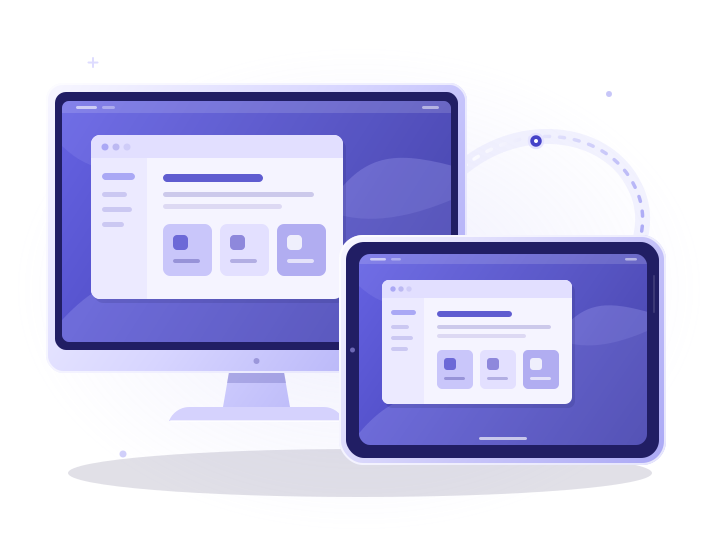
Your devices. A direct connection.
A little more room to work
Bring your Mac along.
Open the desktop you already know from your iPad. Use your Mac's apps, move between its displays and make room for the task in front of you.
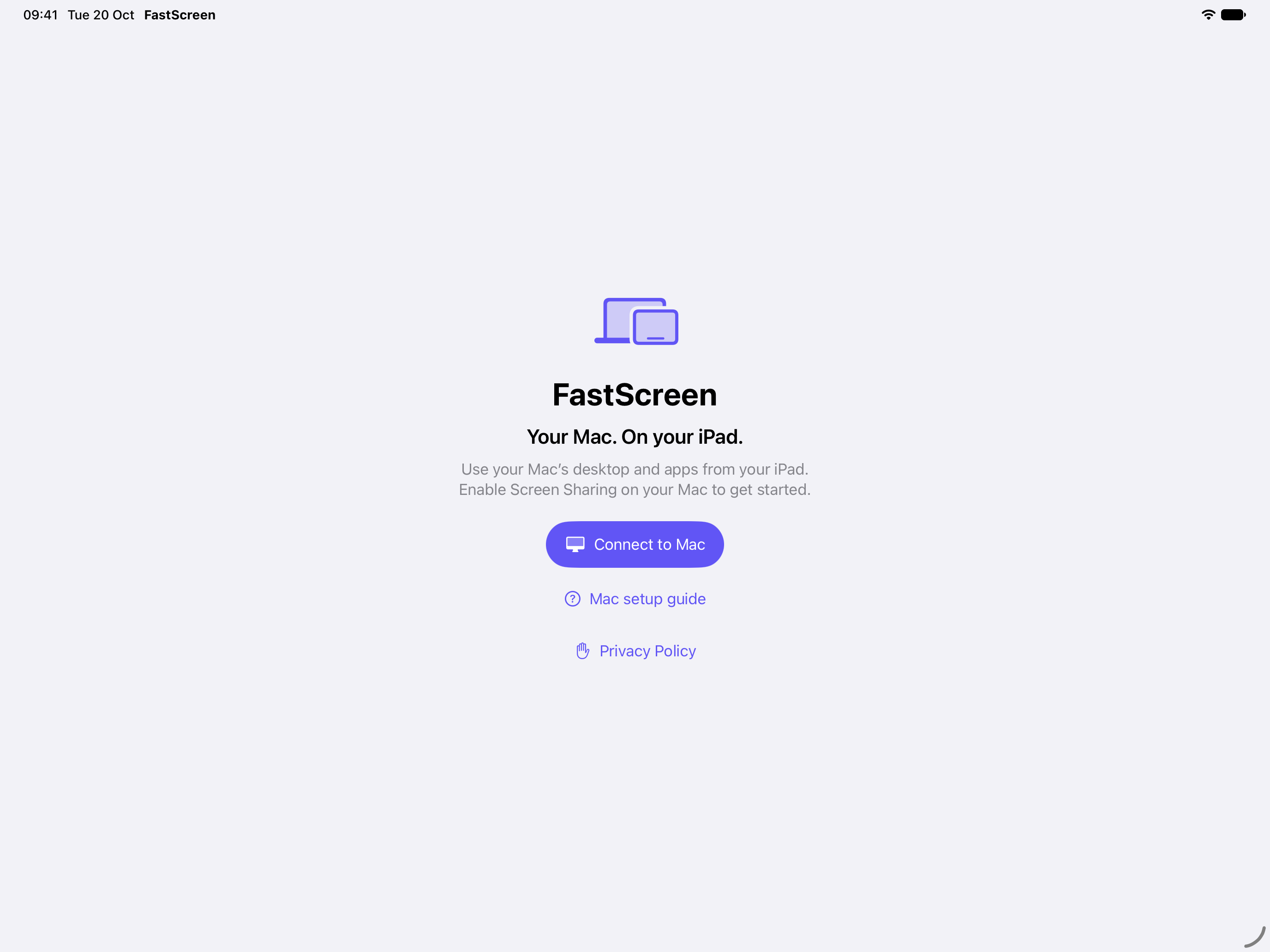
A simple place to start.
Made for the way you use your iPad
A desktop connection that feels at home.
Use touch when it's convenient. Reach for your keyboard and pointer when you need them.
Touch, type, point.
Move the pointer with a finger, tap to click and use gestures to scroll or zoom. Add a hardware keyboard, mouse or trackpad when the task calls for it.
Choose your display.
Switch between the Mac's reported monitors or view the complete desktop. FastScreen remembers your selected display and its view for each saved Mac.
Find the right view.
Fit the desktop, fill your iPad or zoom into the details. Fullscreen keeps the focus on your Mac; saved positions help you return to where you were.
Set the stream size.
Choose Performance, Balanced or Quality to request reduced or native stream dimensions. The setting changes the stream, not the Mac's display resolution.
Mac actions, within reach.
Open Spotlight, Mission Control, switch apps or change Spaces with labeled shortcuts. Customize the optional actions palette to suit the way you work.
Ready for your next visit.
Save your Macs and connection preferences on your iPad. Password saving is optional and uses device-only Apple Keychain storage.
Start with what you already have
Your iPad. Your Mac. Three steps.
01
Prepare your Mac
Enable Screen Sharing in System Settings and allow the Mac account you'll use. No additional Mac app is needed.
02
Find your connection
Use a trusted local network, or connect through your own trusted VPN. Choose a nearby Mac or enter its address.
03
Make yourself at home
Sign in with your Mac account, select a display and choose a view. Your saved preferences will be ready next time.
Know your connection
Direct by design.
FastScreen connects your devices without an EZV relay. Connection profiles stay in the app's storage; optional saved passwords use Apple Keychain without iCloud Keychain synchronization.
Read the privacy policyWhat you'll need
An iPad running iPadOS 26 or later.
A reachable Mac with built-in Screen Sharing enabled and an allowed Mac account.
A trusted local network or your own trusted VPN.
Standard VNC desktop and input traffic is unencrypted. FastScreen does not create a VPN or encrypted tunnel.
Current limits: no audio, clipboard sync, file transfer, desktop recording, virtual displays or wake-on-LAN.
Questions? Visit supportComing soon
Get your Mac ready.
Explore the setup guide now, or get in touch if you have a question about FastScreen.